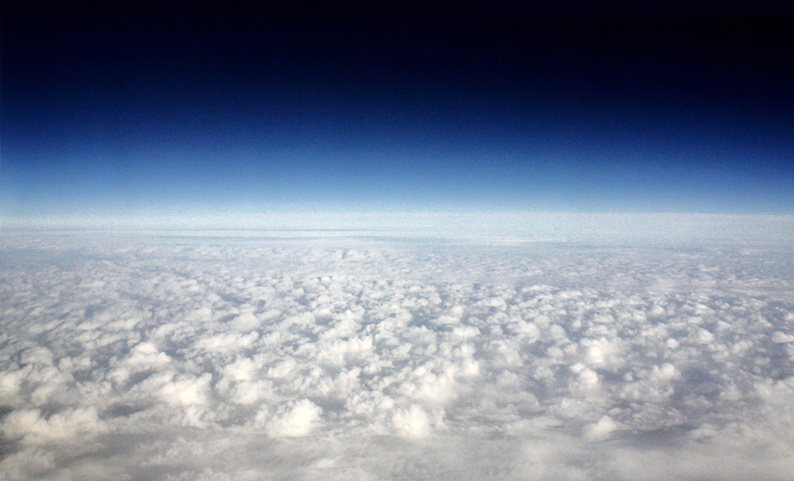
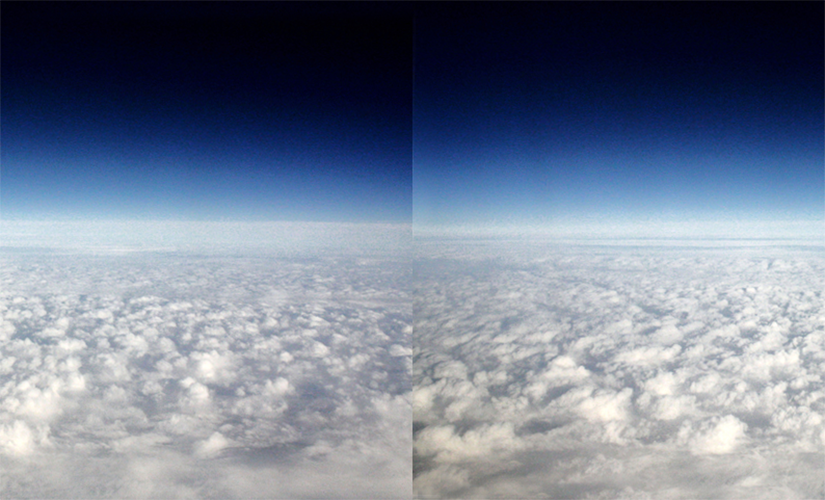
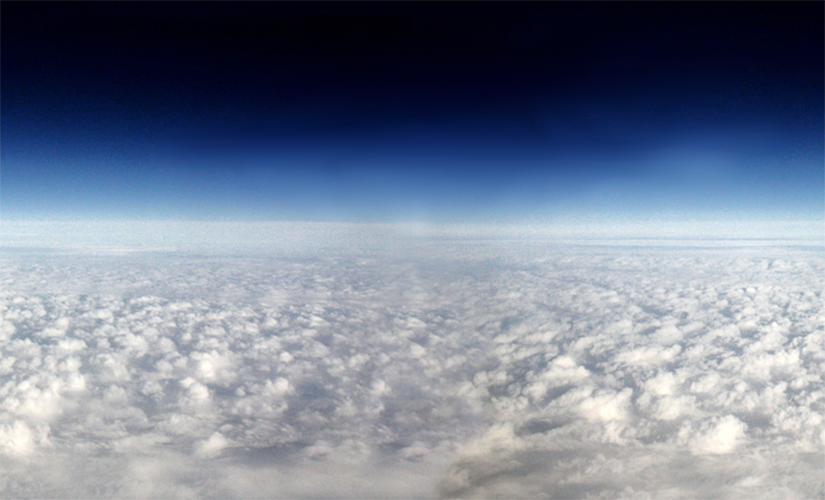
This example uses a specially treated image, one that has a right and left edge that seamlessly integrate with each other.
It takes a bit of jiggery-pokery in Photoshop to make it work. Use Menu > Filters > Other > Offset... to push the edges into the middle of the image and use whatever tools necessary to obscure the edge that appears.
The code uses two image("imagename.png", x, y) commands position two images whose edges are right up against each other then uses a variable to change each images x position.
Animate s Scrolling Image (& Multiplane Image Scroll)
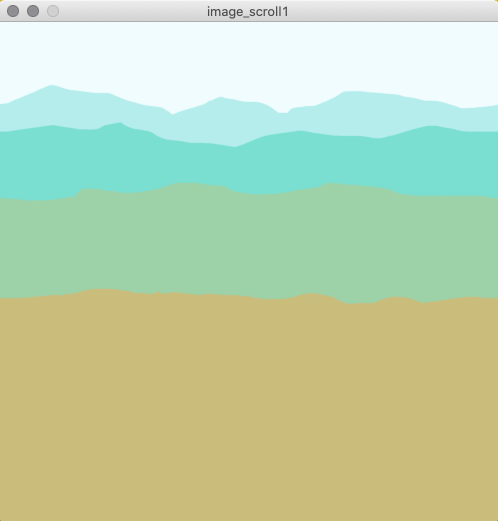
This example adds four layers of images that scroll continuously to the right or left depending on the mouseX.
Each layer has three images in it the same width as the window, 500 pixels. The right and left sides of each image line up with each other
The same image is set at the same Y location, but three times, one centered in the window, one at its left edge, and one at its right edge:
As it moves to the left, check the position of the center image to see if it's gotten to the edge:
When it reaches -500, the width of the image...
...reset the three images to the original position again.
The key concept here is loading and positioning images. We've done it before for a background [background(myImage)] but we haven't done it with multiple images who are not the background. The format is similar, you have to set up a PImage at the top, then load it with loadImage("imagename.png") in setup(), then place it with image(myImage, xPosition, yPosition) somewhere in the draw() loop. Like the pseudo-code below:
PImage myImage;

void setup() {
  // Images must be in the "data" directory to load correctly
  myImage = loadImage("imageName.png");
}

void draw() {
  background(204);
  image(myImage, xPosition, yPosition);
}
Don't forget that images have to be in the data folder inside the sketch folder. You'll need to save the file before you run it, and download this folder with the images in it for this to work.
PROCESSING
Multiplane Image Scroll
// Multiplane Image Scroll
// v1.0
//
// Global Variables
PImage l1;
PImage l2;
PImage l3;
PImage l4;
float scrollSpeedl1 = 0;
float scrollSpeedl2 = 0;
float scrollSpeedl3 = 0;
float scrollSpeedl4 = 0;
float newXl1 = 0;
float newXl2 = 0;
float newXl3 = 0;
float newXl4 = 0;
int l1Offset = 266;
int l2Offset = 160;
int l3Offset = 100;
int l4Offset = 62;

void setup() {
  size(500,500);
  l1 = loadImage("l1.png");
  l2 = loadImage("l2.png");
  l3 = loadImage("l3.png");
  l4 = loadImage("l4.png");
}

void draw() {
  background(244,252,255);
  // create movement based on mouseX
  scrollSpeedl1 = map(mouseX, 0, width, -20.0, 20.0);
  println(frameRate);
  scrollSpeedl2 = scrollSpeedl1 * .5;
  scrollSpeedl3 = scrollSpeedl1 * .25;
  scrollSpeedl4 = scrollSpeedl1 * .125;
  // Position and animate the layers
  // Each layer is acutally three copies of the same image,
  // one in the center, one at its left edge and one
  // at its right edge
  // l4 set
  image(l4,-width + newXl4,l4Offset);
  image(l4,newXl4,l4Offset);
  image(l4,width + newXl4,l4Offset);
  // Move the set
  newXl4 += scrollSpeedl4;
  // Check if the center image is at the edge
  // and reset newX
  if (newXl4 > width) { newXl4 = 0; }
  if (newXl4 < 0)     { newXl4 = width; }
  // l3 set
  image(l3,-width + newXl3,l3Offset);
  image(l3,newXl3,l3Offset);
  image(l3,width + newXl3,l3Offset);
  newXl3 += scrollSpeedl3;
  if (newXl3 > width) { newXl3 = 0; }
  if (newXl3 < 0)     { newXl3 = width; }
  // l2 set
  image(l2,-width + newXl2,l2Offset);
  image(l2, newXl2, l2Offset);
  image(l2, width + newXl2, l2Offset);
  newXl2 += scrollSpeedl2;
  if (newXl2 > width) { newXl2 = 0; }
  if (newXl2 < 0)     { newXl2 = width; }
  // l1 set
  image(l1,-width + newXl1,l1Offset);
  image(l1,newXl1,l1Offset);
  image(l1,width + newXl1,l1Offset);
  newXl1 += scrollSpeedl1;
  if (newXl1 > width) { newXl1 = 0; }
  if (newXl1 < 0)     { newXl1 = width; }
}