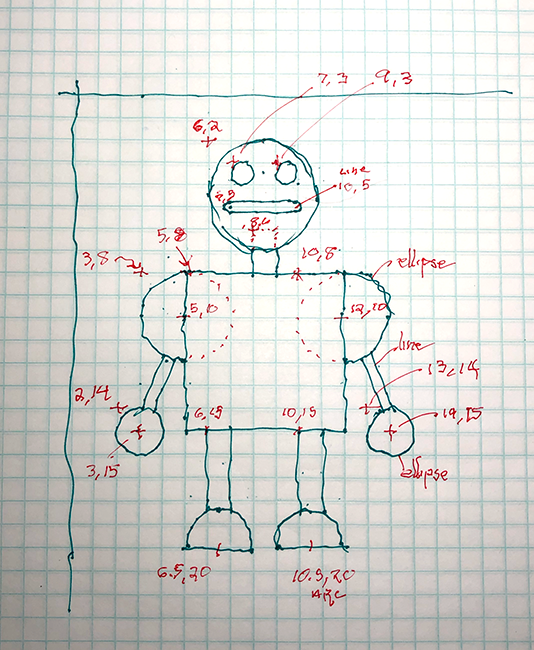
A Better Way
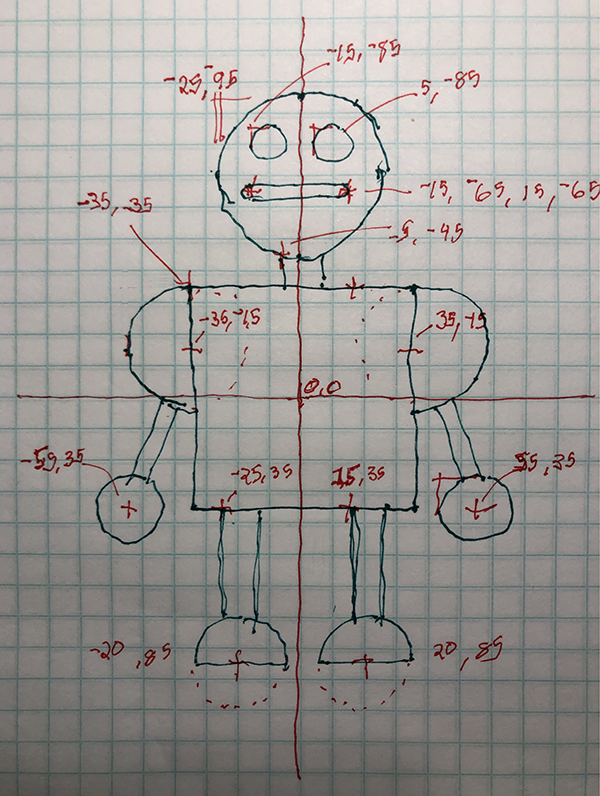
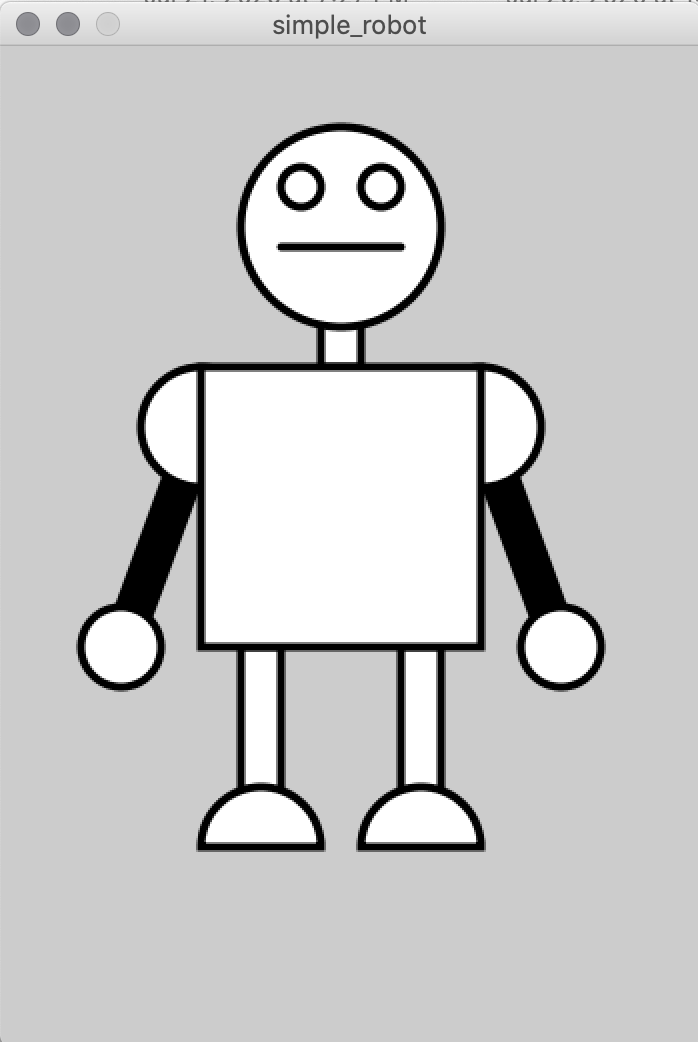
When you want to animate a robot, it's usually easier to put it into a function, and to also set the 0/0 X/Y starting point in the center of the robot, rather than above it to the left as the above version does. In that case, you might need to re-draw the robot on graph paper with the 0,0 at its belly button or nose or between its two feet. Here's the same robot, but drawn so 0,0 is in it's center, the only difference is the x/y location values:
PROCESSING
Simple Robot Re-Centered
// Simple Robot re-centered
// Centered
// Window size
size(350,500);

// Center Robot with translate()
translate(width/2,height/2);
// Make everything 2 times bigger
scale(2);

// Setup style of robot
stroke(0); // black
strokeWeight(2);
fill(255); // white

// Neck (has to go behind head)
rect(-5,-45,10,20);

// Head
ellipseMode(CORNER);     // Draw ellipse from upper left corner
ellipse(-25,-95,50,50);  // Head
ellipse(-15,-85,10,10);  // Right Eye
ellipse(  5,-85,10,10);  // Left Eye
line(-15,-65,15,-65);    // Mouth

//Arms (has to go behind shoulders)
strokeWeight(10);
line(-35,-15,-55,35);    // Right Arm
line( 35,-15, 55,35);    // Left Arm

// Shoulders
strokeWeight(2);         // Reset stroke width
ellipseMode(CENTER);     // Draw ellipse from center
ellipse(-35,-15,30,30);  // Right Shoulder
ellipse( 35,-15,30,30);  // Left Shoulder

// Hands
ellipseMode(CENTER);    // Draw ellipse from center
ellipse(-55,35,20,20);  // Right hand
ellipse( 55,35,20,20);  // Left hand

// Legs
rect(-25,35,10,40);     // Right leg
rect( 15,35,10,40);     // Left leg

// Feet
ellipseMode(CENTER);    // Arcs use CENTER like ellipses
// Left foot
arc(-20, 85, 30, 30, radians(180), radians(360), PIE);
// Right foot
arc( 20, 85, 30, 30, radians(180), radians(360), PIE);

// Body
rect(-35,-35,70,70);
Same Result